Introduction#
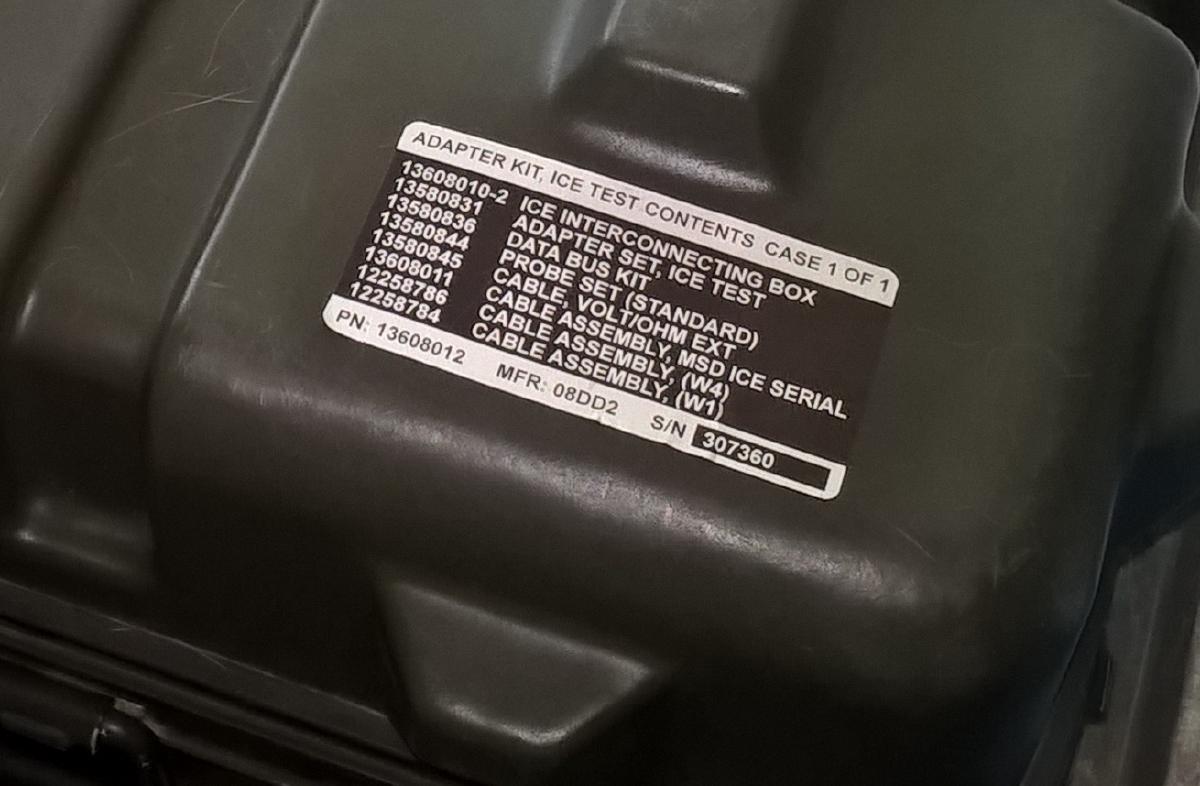
I had taken up an interest in military vehicles a few years back. I’d actually managed to pick up one of my own, a 1994 M998A1 HMMWV, which has proven to be a never-ending project. Most military vehicles have a reputation for being more mechanically driven, having nearly no computers or other electronic controls in them that could stop them in their tracks if there were some kind of EMP attack. This isn’t entirely true, but it is true that at least until very recently, most military vehicles didn’t feature any kind of engine computer. They still had sensors, but these usually directly controlled solenoids or acted as test points for diagnostic purposes. Because of this layout, the military used a different type of diagnostic system: Simplified Test Equipment/Internal Combustion Engine, or STE/ICE-R for short.
For decades, the military used a portable box that included a Rolodex of test cards, a small 7-segment display, and a series of switches to select your test. When you needed to perform a test, you’d flip through the test cards to determine what connectors you needed, what condition the vehicle needed to be in, and what test mode to switch the STE/ICE-R to. With this box connected, you’d run your test, it’d return some numbers on the display, and then you’d compare these to a table in a repair manual to try to determine if the values were abnormal and what your next steps might be in the repair. While this was helpful for uncovering some hard-to-spot issues, new mechanics struggled to grasp the multi-step process and skilled mechanics would recognize issues in a hurry without the tool due to their intimate familiarity with the vehicles being worked on.
Decades later, an improvement to this system emerged in 1997. First with the Soldier’s Portable On-System Repair Tool (SPORT) and shortly after enhanced in 2002 with the Maintenance Support Device - Internal Combustion Engine (MSD-ICE). This had the same connectors and supported all the same tests, but instead of a set of paper test cards and switches and a reliance on multiple reference materials, the user interface was all in a single computer. Now when you have a problem with a vehicle, you could open a laptop and start a troubleshooting wizard. This Interactive Electronic Technical Manual (IETM) was a step-by-step guide that asks you questions about the nature of the issue, offers simple steps you should try, and then when appropriate it directs you with on-screen instructions of exactly how you need to connect the MSD-ICE to the vehicle. It performs the tests and automatically records the values for you. Based on the data it finds, it provides a list of what may be wrong and has instructions immediately available on what you need to do to fix it. Even better is it remembers what you’ve already tried and tests its already performed, which sometimes saves you from repeating work when the first solution wasn’t the right solution.
As you can imagine, the government is never keen on allowing its computer systems to become available to the public. When these systems became old enough to eventually be disposed of as surplus, they almost always were missing the hard drives in the computers-or the computer itself was entirely destroyed in the demil process. As collectors like myself started to pick up these MSD-ICE systems, we came to the unfortunate discovery that even if you had the software to set up the control system, it was blocked from setting up on any computer not originally intended to be a maintenance support computer. Without a computer, this system was unusable.
Investigating the Problem#
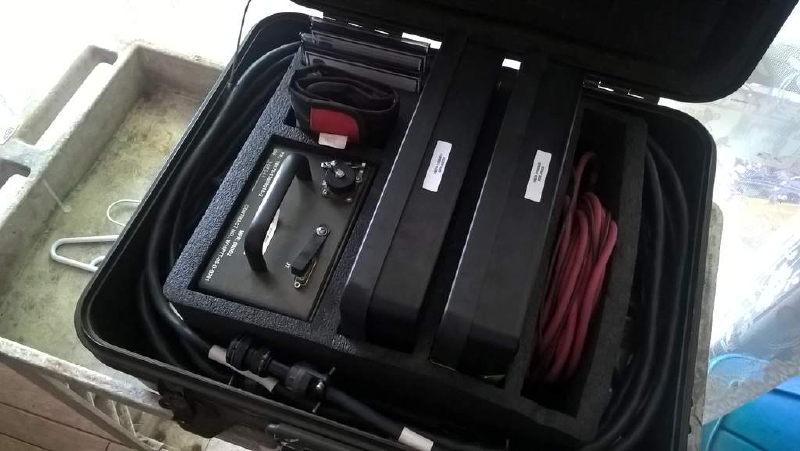
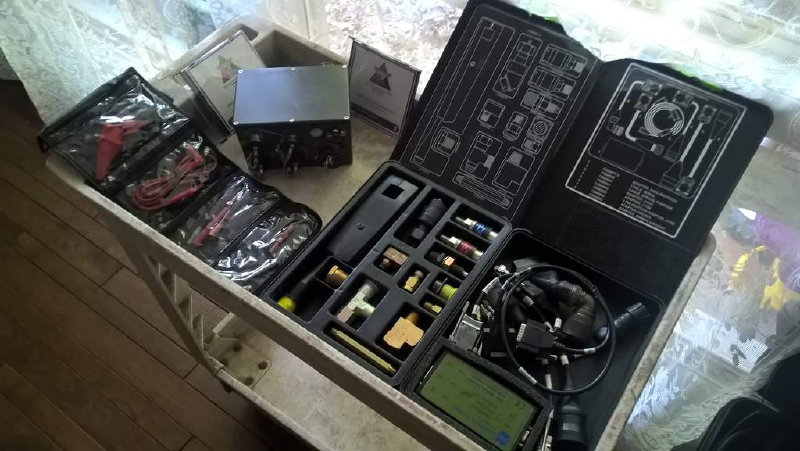
Going back to it, I disabled auto run on my computer and instead decided to explore the disc. I took a look over the autorun file and saw what setup files it triggered, which just confirmed to me what files I had to avoid. Looking beyond that, things were very well-organized and almost unbelievable at first. There was a driver folder for system drivers meant to enable devices like the WLAN card and graphics card, but there was also drivers for the ICE adapter and Dearborn Protocol Adapter (DPA, used for connecting to some transmission or CTIS computers) in there as well. Looking into a binaries folder, we had a list of programs with independent installers for things like the Interactive Technical Manual program, LabVIEW, and some manufacturer-specific diagnostic programs also bundled in.
Taking the Plunge#
Hunting for Drivers#
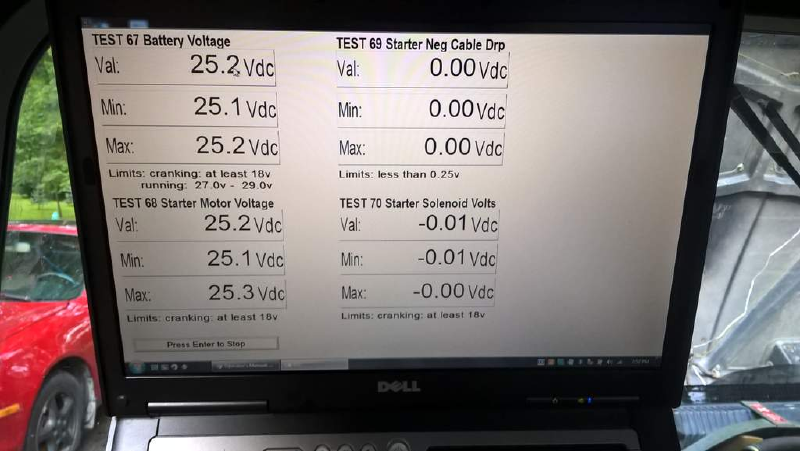
I went down the list of drivers-some of which had installers, others just had libraries I had to manually place in my OS. This seemed to be working, as my computer now recognized the ICE interface for what it was. Next up, the IETM program was setup. Thanks to public release of these files, I already had the IETM configuration files to support HMMWV models up to about 2014. I was able to open this up, connect the ICE adapter from my computer to the HMMWV, and a had it fire off a simple test to measure voltages at different points of the vehicle. It worked!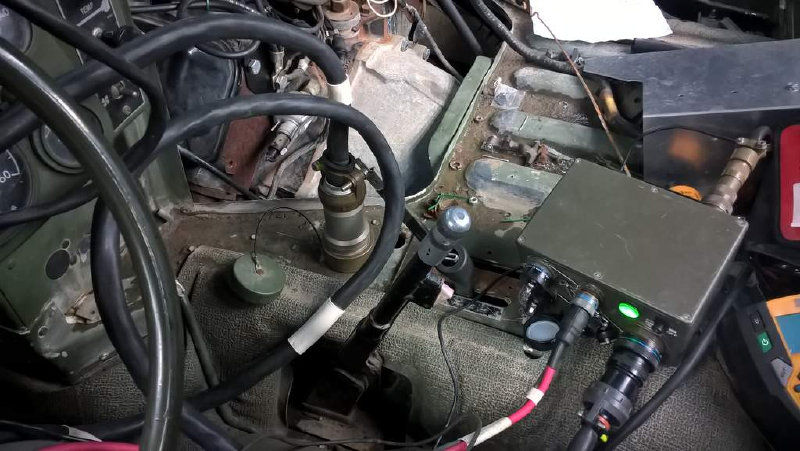
Fixing Index & Help Documents#
There still was more here that wasn’t so clear to me. The IETM program had help docs that were built-in, but Microsoft had deprecated the help doc system that had been built into older versions of Windows. Fortunately for me, it didn’t take long to find others that put support for this back into modern versions of Windows. It wasn’t too bad to setup, which then gave me access to a lot of information that supports the diagnostic system itself.
Microsoft has official support for Windows 8 and 8.1, here: Error opening Help in Windows-based programs: “Feature not included” or “Help not supported” - Microsoft Support
If you try to use these files on Windows 10 or later, you’ll receive an error message saying it’s not suitable for your operating system. For Windows 10 & 11, this restriction is arbitrary and we can fix that. This blog had good instructions on that. How to Open .hlp Files in Windows 10/11 Using WinHlp32.exe » Winhelponline